
CT 530 - Scanner CT PHILIPS - Notice d'utilisation et mode d'emploi gratuit
Retrouvez gratuitement la notice de l'appareil CT 530 PHILIPS au format PDF.


| Type de produit | Téléphone mobile |
| Caractéristiques techniques principales | Écran couleur, interface utilisateur intuitive |
| Alimentation électrique | Batterie rechargeable |
| Dimensions approximatives | 140 x 60 x 10 mm |
| Poids | 120 g |
| Compatibilités | Compatible avec les réseaux GSM |
| Type de batterie | Batterie Lithium-ion |
| Tension | 3.7 V |
| Puissance | Non spécifiée |
| Fonctions principales | Appels, SMS, radio FM |
| Entretien et nettoyage | Essuyer avec un chiffon doux, éviter les produits chimiques |
| Pièces détachées et réparabilité | Disponibilité limitée, consulter un service agréé |
| Informations générales | Vérifier la compatibilité avec votre opérateur avant l'achat |
FOIRE AUX QUESTIONS - CT 530 PHILIPS
Questions des utilisateurs sur CT 530 PHILIPS
0 question sur cet appareil. Repondez a celles que vous connaissez ou posez la votre.
Poser une nouvelle question sur cet appareil
Téléchargez la notice de votre Scanner CT au format PDF gratuitement ! Retrouvez votre notice CT 530 - PHILIPS et reprennez votre appareil électronique en main. Sur cette page sont publiés tous les documents nécessaires à l'utilisation de votre appareil CT 530 de la marque PHILIPS.
MODE D'EMPLOI CT 530 PHILIPS
Part of you, part of your life
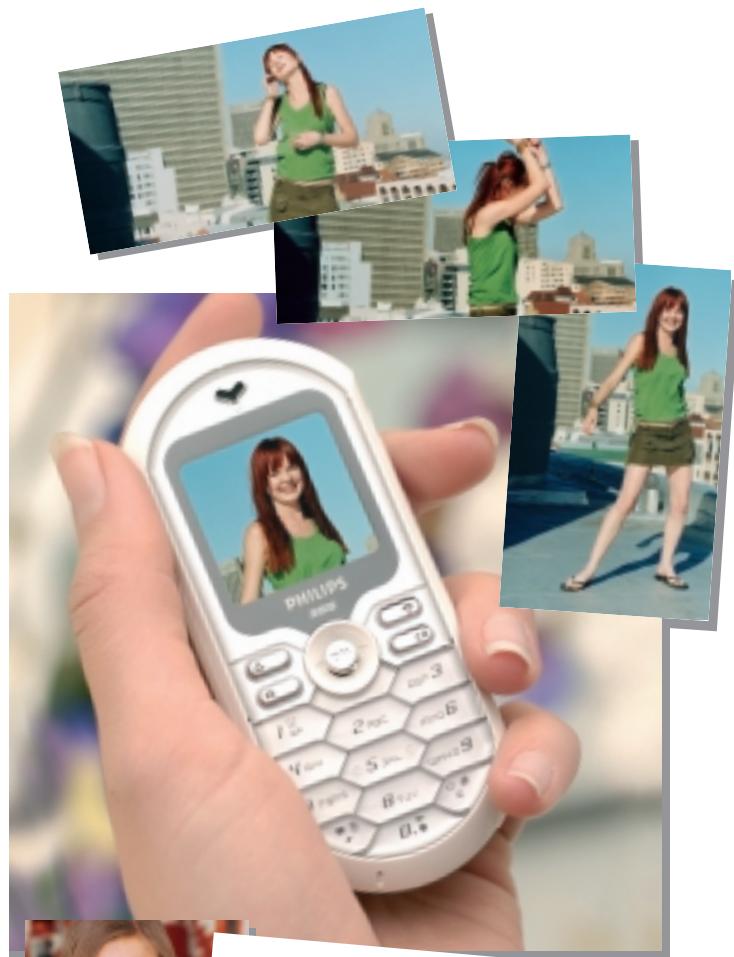
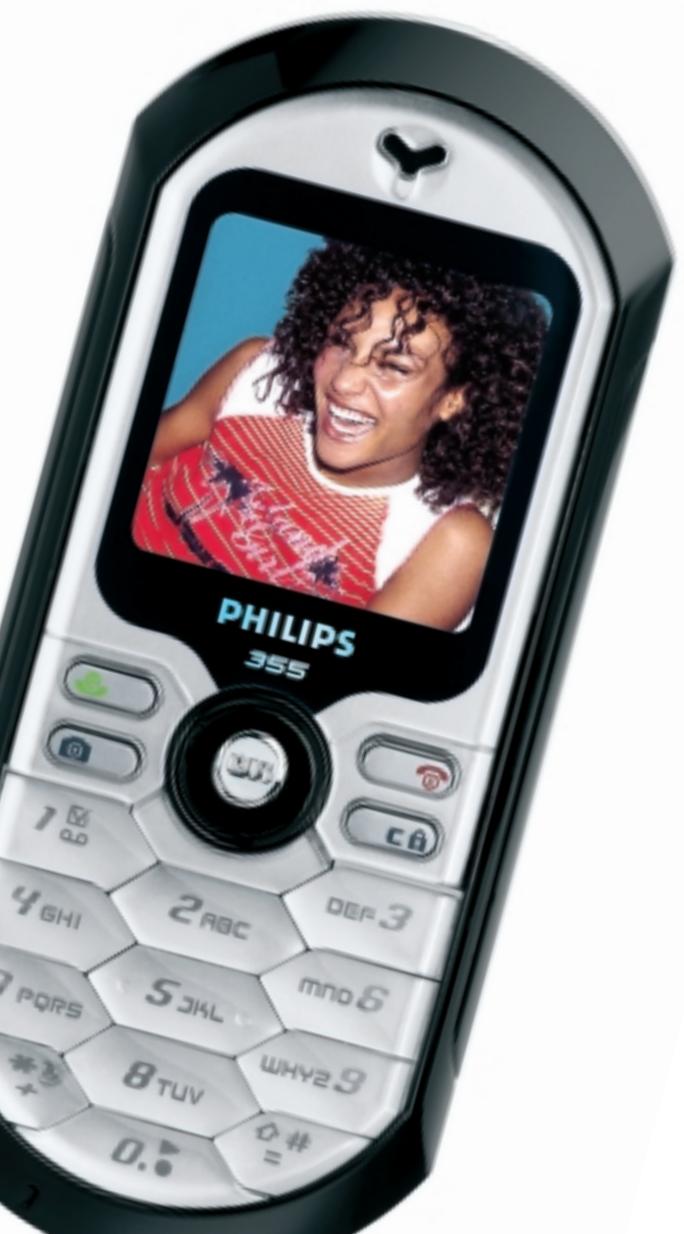
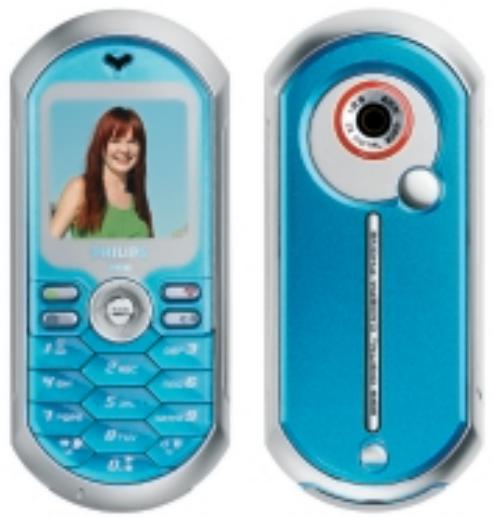
Wherever life takes you, whatever you do and whomever you do it with, the new Philips 355 is the perfect way to express yourself and do your thing. Shot the pictures, added a little sound and made the moment special.
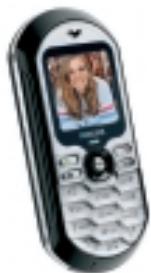
Black Forest
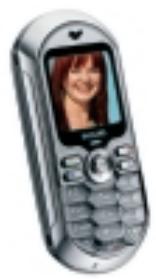
Anthracite Volcano
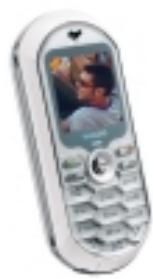
White Antarctic
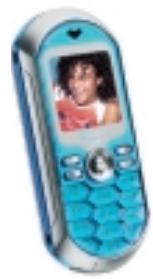
Turquoise Ocean
SEND UNIQUE MMS MESSAGES WITH YOUR PICTURES AND YOUR TUNES.
SNAP SOME SHOTS WITH THE BUILT DIGITAL CAMERA AND CUSTOMIZE YOUR PHOTOS WITH A FOTOTALK VOICE TAG
-
BE CREATIVE AND MAKE YOUR OWN RING TONES WITH BeD).
-
DOWNSLOAD COLOR GAMES TO PLAY WHEREVER YOU FANCY
Product specifications
Dimensions: 106 × 46 × 18mm
Weight: 82g
Volume:71 cm3
Ultra fine pitch colour display (120 dpi):
CSTN 65K colours
High brightness
128x128 pixels
Camera: Built-in CIF
Mode: E-GSM 900/1800 MHz
EFR/FR/AMR Vocoder
Storage: 1.4 MB capacity
Battery: 720 mAh Li-ion
Talk time: up to 4 hours
Standby time: up to 400 hours
Available colours: Black Forest,Anthracite
Volcano, White Antarctic, Turquoise Ocean,
Phone features
WAP 1.2.1 (2.0 Teleca browser)
GPRS Class 10 (4+2)
EMS rel. 4
MMS: to send and receive messages composed of text, sounds and picture SMS / Quick SMS
Concatenated SMS to write long SMS
Email: direct access to email services
JAVA 2.0
File manager: you can choose how to allocate the phone's available memory between voice tags, names, pictures and games.
Voice command, Voice dial, Voice
recognition & recording
@key, Hot keys and Flash dial
T9smarttexteditor
Smart phonebook to store up to 300names with up to 5 numbers + I ema+ I note each
PC synchronization
Personal organiser
Ringers type (MIDI/SP-MIDI/ADPCM)
Numeric scratch pad
DTMF
Call history / redial / reply lists
Unique functions
Demo mode animation and sound effects to demonstrate the phone's capabilities
to your friends
Dedicated snapshot key
BeDJ to create your own music mix
Philips Fotocall to see who's calling
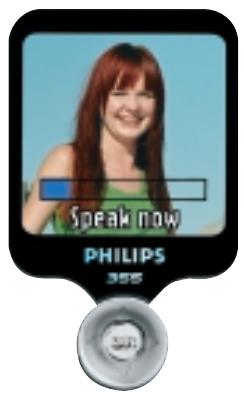
Philips Fototalk to add voice to your MMS pictures
32-tone polyphonic ring tones
Downloadable ringtone melodies
(SP-MIDI/WAP/MMS)
MMS/WAP OTA configuration
Carousel Menu Navigation concept
with animated icons for intuitive menu
navigation
50 Emotions icons
Picture applications to store, send and
receive pictures (Screensavers, Wallpapers, 30-Picture library)
Colour games
Games download (IN-FUSIO ExEnrV2 engine) 2
Euroconverter / Calculator
Clock / Alarm clock
Network features compliances
Caller line identification
Call wait / hold
Call barring / forwarding
Short Message Service
Voicemail
Multiparty call
Conference call
Explicit call transfer
Call time and cost meters
Emergency call
Security and cost control
PIN code access (PIN / PIN 2)
Call timer and counter
Keypad lock
Accessories
Charger (Jack connector)
Cigarette lighter adapter (CLA)
Universal Car Kit
Neck strap
Hands free deluxe headset
Data Cable
I = Battery life measurements are approximate and talk and standby time will vary depending on the conditions of use, setting and functions selected, network quality and configuration. Talk times are quoted as a range of DTX off to DTX on and standby times as a DRX-2 to DRX-9.
2 = GSM features are network dependent.
"Shot the pictures, created the tunes with my Philips 355 and made the moment special!" Barbara, 22, Paris.
Check out other things at : www.thingstodoyourthing.com
Whether it's the voice tag you just added to your picture message, the ring tone you mixed yourself or simply the beauty of the phone's design, the new Philips 355 is sure to get you noticed.
Add a voice tag to your MMS
They say a picture is worth a thousand words, but a picture can't actually say 'shake it baby!". With the FotoTalk function on the new Philips 355, you can add your own words to any picture. So now you can tell whatever you feel and comment in a fun way your shots... with your pix, your mix and a little creativity, your friends will receive amazing talking pictures..
Picture perfect
With its smooth lines and neat, compact size, the new Philips 355 is an icon of its time; and its beauty is much more than skin deep. Switch it on and the screen springs to life in full-color – it's perfect for pictures, wallpaper and stylish screenshotsavers. Better still, you can use the built-in camera to personalise every call you receive. The FotoCall feature allows you to take a picture of each of your friends or family and link it to their contact details. So every time they call, you'll see their faces on screen!
Snap happy
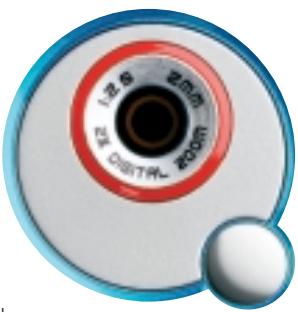
The 355's built-in CIF camera is the perfect match between design and function. With a dedicated snapshot key and 1.4Mb of memory, you can the pictures quicker and store more
ever before! There's also a selection of embedded colour images for you to choose your screenshots and wallpaper from, and the 355 supports GIF, BMP and JPEG images.
Getting connected
With WAP 1.2.1, MMS, GPRS class 10, email and Java, the Philips 355 opens up a whole new world. Browse the web, check the time of a gig, book tickets, email home, whatever your lifestyle needs. So you'll never have to miss the action again.
BeDJ
Create your own mix of polyphonicmelodies with this mini sound studiowith a fun, easy-to-use graphicalinterface that lets you mix up to 9 tracksof sound/music. Change the typo orinstrument for each track. Store themixed melody to use as your own
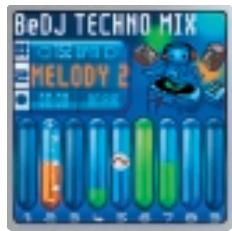
ringtone or SMS alert, or send it to your friends via MMS attached to your favorite picture.
Download new BeDJ styles from www.philips.com/bedj in order to create more innovative mixes.
Marque : PHILIPS
Modèle : CT 530
Catégorie : Scanner CT